
cPanel is the control panel where you manage your website — files, email accounts, databases, WordPress and more. There are three easy ways to open it. Way 1 is the best: one click, and no separate password to remember.
✅ Before you start
- For Ways 2 and 3 you need your cPanel username and password — these were emailed to you in your hosting welcome email
- Your cPanel password is not the same as your client area password
★ Way 1: One click from your client area (recommended)
- Log in to your client area at my.zedgehost.com
- Open Services → My Services.
- Click your active hosting service.
- Click "Login to cPanel" in the Actions panel.
cPanel opens in a new tab, already logged in — no password needed.
Way 2: Through your own domain
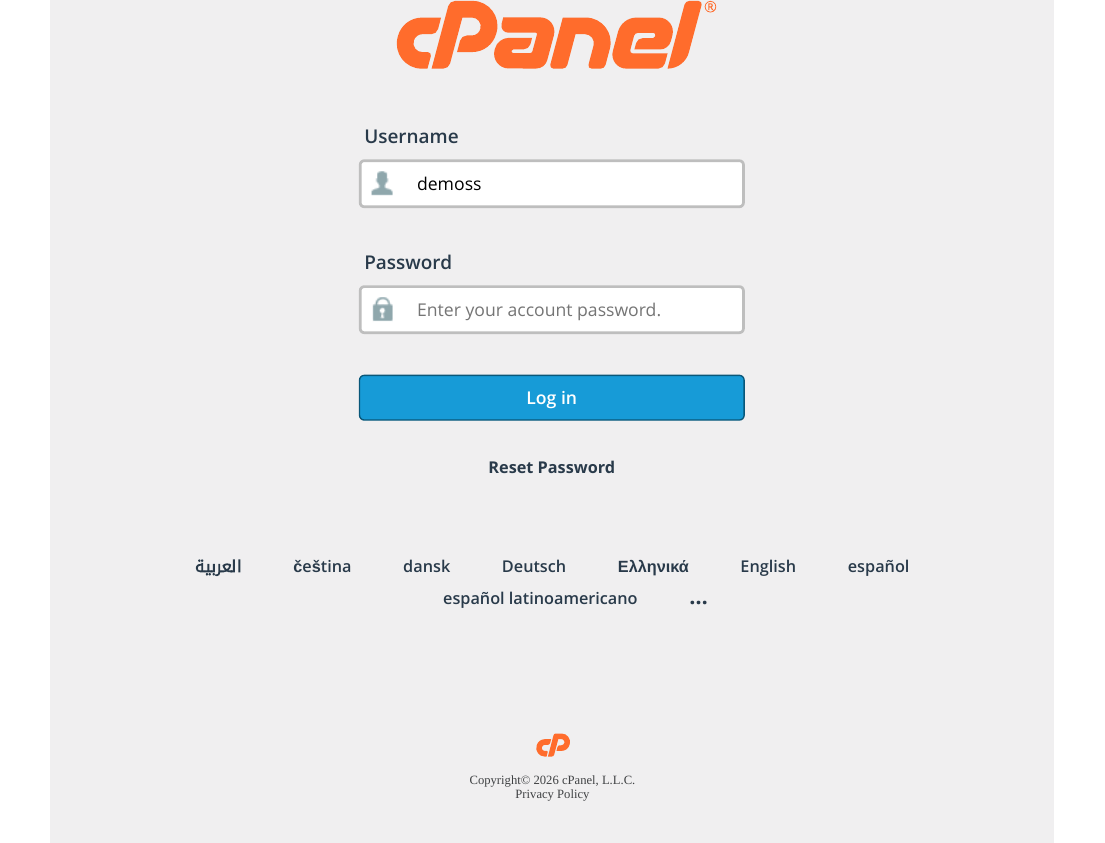
- Visit yourdomain.com/cpanel in your browser (replace "yourdomain.com" with your real domain).
- Enter your cPanel username and password from your welcome email.
- Click "Log in".
Way 3: Through the cPanel subdomain
- Visit cpanel.yourdomain.com in your browser.
- Log in with the same cPanel username and password.
Note: Ways 2 and 3 work only after your domain is pointed to ZedgeHost (nameservers ns1.my.zedgehost.com and ns2.my.zedgehost.com) and DNS has finished updating. For a brand-new domain, use Way 1 — it always works.
Forgot your cPanel password?
Open your service in the client area (Way 1, steps 1–3) and use the Change Password tab to set a new cPanel password. If you still cannot get in, open a support ticket and we will help you.
⚠ Common mistakes & fixes
- Using your client area password on the cPanel page: these are two different passwords. Use the one from your welcome email — or simply use Way 1.
- Login page does not open on your domain: DNS may still be updating (a few hours for a new domain). Use Way 1 in the meantime.
- "Login is invalid" again and again: check Caps Lock, and paste the password carefully — an extra space at the start or end also causes failures.
Related articles
- How to Log In to the Client Area
- How to Reset Your Client Area and cPanel Passwords
- cPanel Tour: Understanding the Interface