
A browser warning like "Your connection is not private" scares visitors away — even when your site itself is fine. Almost every SSL error is one of four causes. Find yours below and fix it.
The four usual causes
| 1. No certificate installed | The domain has no SSL at all and the server answers with a default one. Fix: issue the free certificate — see the Let's Encrypt guide. |
| 2. Name mismatch | The certificate covers a different name than the one visited — classically the site works on yourdomain.com but warns on www.yourdomain.com, or the reverse. Fix: reissue the certificate making sure both names are included. |
| 3. Expired certificate | Let's Encrypt certificates renew automatically while the domain points here; expiry usually means the domain stopped pointing here, so renewal checks failed. Fix: restore the nameservers/DNS to point here, then reissue. |
| 4. The domain doesn't point here at all | You are seeing ANOTHER server's certificate because DNS sends your domain elsewhere. Fix: point the domain to ZedgeHost and wait for propagation. |
How to check your certificate
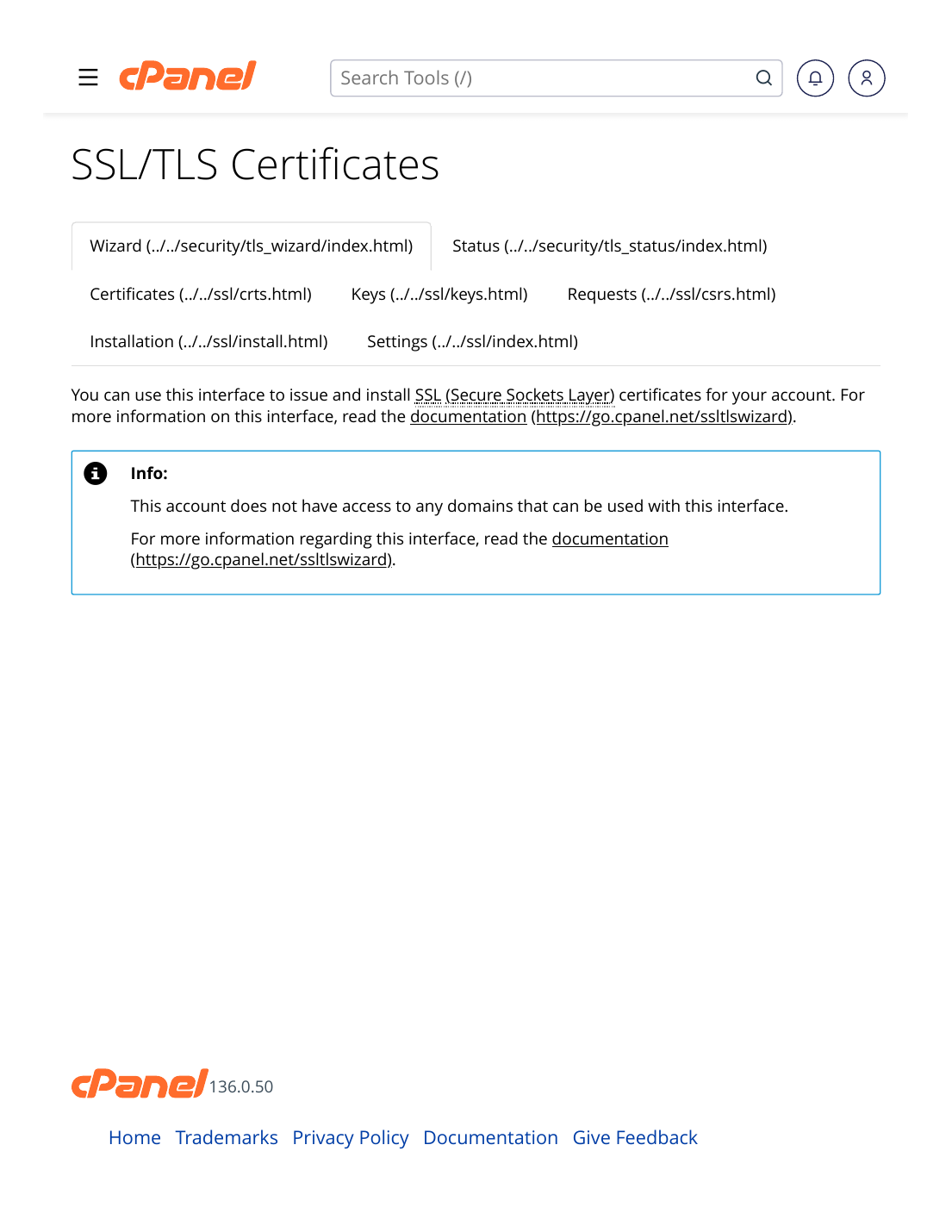
- In cPanel: Security → SSL/TLS Certificates shows the certificates installed on your account, their domains and expiry dates.
- In the browser: click the padlock — or the warning icon — to view which domain the presented certificate was issued to and when it expires. Comparing that name with the address you typed usually reveals the mismatch instantly.
- Still unsure? Open a support ticket with the exact warning text and the address you visited — certificate diagnosis takes us a minute with that information.
✅ Result: The warning is gone and the padlock is clean for both the www and non-www versions of your domain.
⚠ Common mistakes & fixes
- Telling visitors to "just click through" the warning: never do this. It trains your customers to ignore real security warnings — and most simply leave instead.
- Forcing https BEFORE any certificate exists: that guarantees the warning for everyone. Certificate first, redirect second.
- Testing only the homepage address you always use: test all four forms — http/https, with/without www — because visitors arrive through all of them.
Related articles
- How to Install a Free SSL Certificate (Let's Encrypt)
- How to Fix Mixed Content Warnings
- DNS Propagation: How Long It Takes & How to Check